
Chevrolet Cruze Owners Manual: Safety Belts
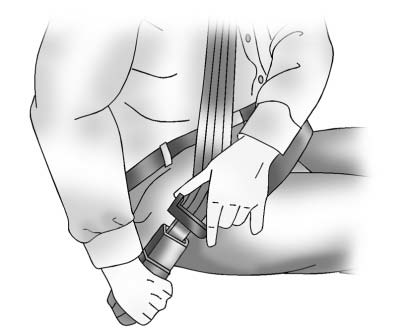
Refer to the following sections for important information on how to use safety
belts properly:
• Safety Belts
• How to Wear Safety Belts Properly
• Lap-Shoulder Belt
• Lower Anchors and Tethers for Children (LATCH System)
 Head Restraint Adjustment
Do not drive until the head restraints for all occupants are installed and adjusted
properly.
To achieve a comfortable seating position, change the seatback recline angle
as little as necessary w ...
 Passenger Sensing System
United States
Canada
The passenger sensing system turns off the front outboard passenger frontal airbag
and knee airbag under certain conditions. No other airbag is affected by the passenger
...
Other materials:
Bluetooth Audio
If equipped, music may be played from a paired Bluetooth device.
To play music through a Bluetooth device:
1. Power on the device, pair, and connect the device.
2. Music can be launched by doing one of the following:
• Press the Bluetooth Audio screen button on the Home Page.
• Press SOURCE or ...
Engine Power Messages
ENGINE POWER IS REDUCED
This message displays when the vehicle's engine power is reduced.
Reduced engine power can affect the vehicle's ability to accelerate.
If this message is on, but there is no reduction in performance, proceed to your
destination. The performance may be reduced the ...
Tire Pressure Monitor System
The Tire Pressure Monitor System (TPMS) uses radio and sensor technology to check
tire pressure levels. The TPMS sensors monitor the air pressure in your tires and
transmit tire pressure readings to a receiver located in the vehicle.
Each tire, including the spare (if provided), should be check ...
